iPhone automatically encourages users to use iCloud Photos.
Once enabled, your photos and videos are uploaded to Apple’s cloud servers and synced across devices.
For many users, this is convenient.
But not everyone wants their personal photos stored in the cloud.
More iPhone users are now asking:
“How can I back up my iPhone photos without using iCloud?”
If you care about:
- Privacy
- Offline access
- Full control of your files
- Avoiding monthly cloud storage fees
then local encrypted backup is one of the best solutions available.
Why Some iPhone Users Avoid iCloud Photos
iCloud Photos works well, but it also has limitations.
When using cloud backup:
- Photos are stored on remote servers
- Access depends on your Apple account security
- A compromised account can expose personal memories
- Large photo libraries quickly exceed free storage
- Ongoing subscription fees become necessary
- Internet upload speed can become a bottleneck
For users with:
- Family photos
- Travel videos
- Sensitive images
- Large 4K video collections
offline backup often feels safer and more practical.
Can You Back Up iPhone Photos Without a Computer?
Yes.
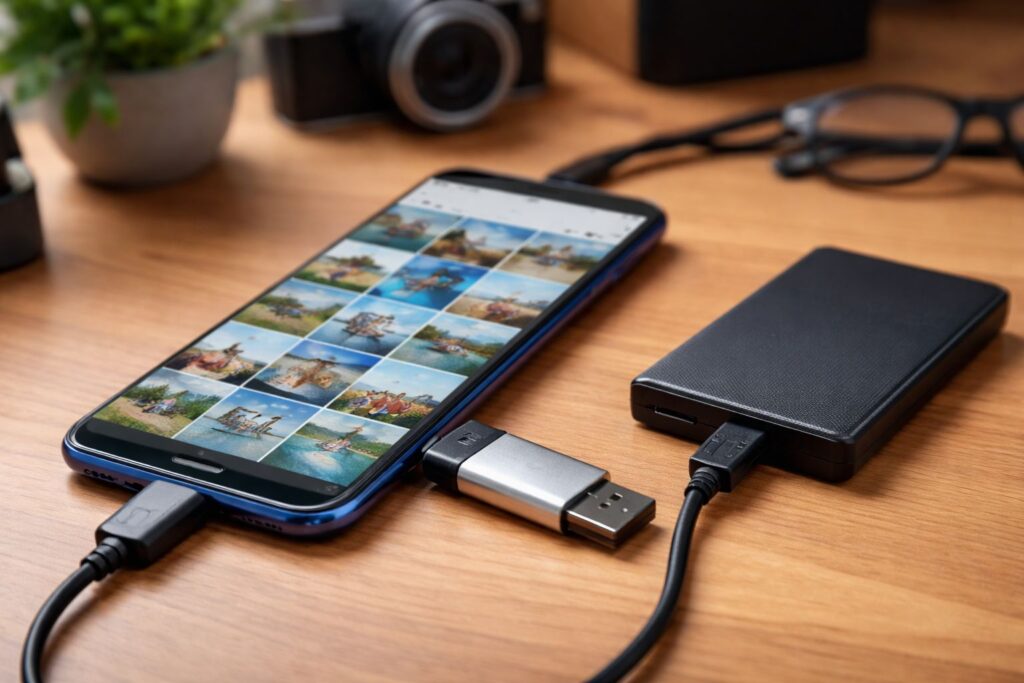
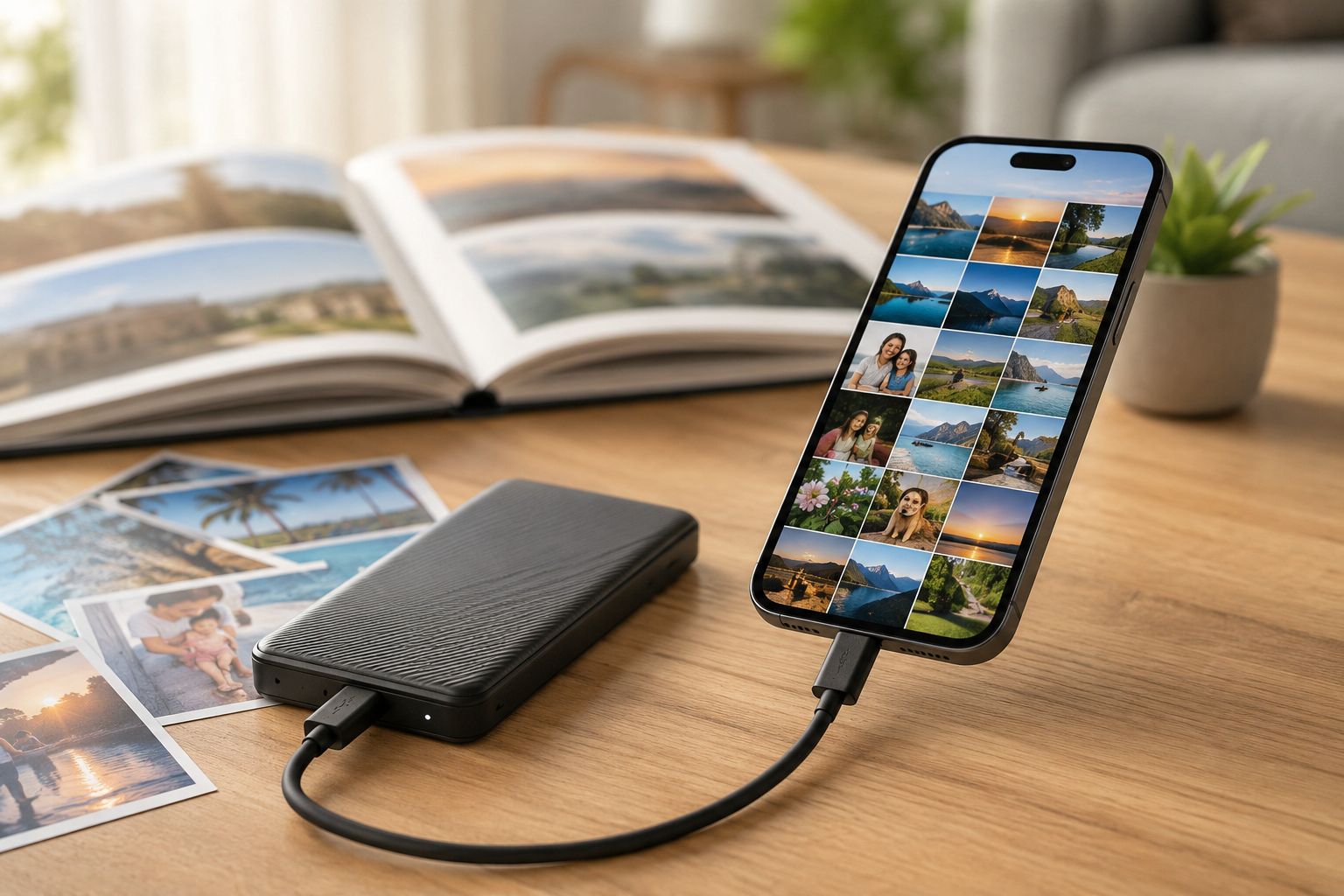
Modern iPhones can directly connect to:
- USB flash drives
- Portable SSDs
- External storage devices
using:
- USB-C (newer iPhones)
- Lightning to USB adapters (older iPhones)
This means you can back up photos directly from your iPhone without needing:
- iCloud
- A Mac
- A Windows PC
- Internet access
Why Portable SSDs Are Better for iPhone Backup
Many users start with ordinary USB drives.
But for iPhone photo and video backup, portable SSDs are usually much better.
Advantages include:
- Faster transfer speeds
- Better reliability
- Larger storage capacity
- Better support for 4K and ProRes videos
- More stable performance during large transfers
Popular choices include:
- Samsung T7
- SanDisk Extreme Portable SSD
- Crucial X9 Pro
These are especially useful for users who shoot:
- 4K video
- ProRAW photos
- Large travel albums
- Long-term media archives
The Biggest Mistake: Assuming USB Storage Alone Is Safe
Many users believe:
“If my photos are stored offline, they’re secure.”
Not necessarily.
If the USB drive or SSD is:
- Lost
- Stolen
- Plugged into another device
your photos may be fully accessible.
This is why encryption matters.
The Best iPhone Backup Setup: Offline + Encrypted
The safest solution combines:
Local backup + encryption
This gives you:
- Offline storage
- Better privacy
- Protection against theft
- Full ownership of your files
Even if someone gets your SSD,
they still cannot access your photos without authorization.
Why File-Level Encryption Is Better Than Traditional Device Encryption
Most encrypted drives use:
“One password for everything”
That means:
If the password is exposed,
all files become accessible.
A more secure approach is:
File-level encryption (one file, one key)
This means:
- Every photo is encrypted independently
- Each file uses a different encryption key
- One compromised file does not expose the entire library
Benefits include:
- Better privacy isolation
- Stronger security
- Safer long-term storage
- Reduced overall exposure risk
This is especially important for:
- Personal memories
- Family photos
- Sensitive documents
- Travel backups
Recommended Apps for iPhone Offline Photo Backup
Lumin Pro
Lumin pro is designed for:
- Offline photo backup
- USB and SSD storage management
- Encrypted external storage
- Direct iPhone file transfer
- Photo and video browsing
- File-level encryption
Unlike cloud albums,
files remain stored locally on your own devices.
Useful features include:
- Direct backup from iPhone to USB storage
- Support for portable SSDs
- Offline access without internet
- Encrypted photo storage
- Original file preservation
This is especially useful for users who want:
- Private photo storage
- No cloud dependency
- Secure travel backups
- Large offline media libraries
PhotoSync
A popular iPhone app for:
- Wireless transfer
- Local NAS backup
- Automatic photo syncing
- Cross-device transfers
Good for users who prefer local network backup instead of public cloud services.
Why Offline Backup Is Great for Travel
Travel is one of the best use cases for local iPhone backup.
Problems with cloud uploads while traveling include:
- Slow hotel Wi-Fi
- Expensive roaming data
- Weak mobile signals
- Huge upload times for 4K video
With offline backup, you can:
- Transfer photos instantly
- Free iPhone storage space
- Back up every day without internet
- Keep your memories protected during trips
Many travelers now carry:
- A portable SSD
- A USB-C or Lightning adapter
- An encrypted backup app
instead of depending entirely on iCloud.
iCloud Backup vs Offline SSD Backup
| Feature | iCloud Photos | Local SSD Backup |
|---|---|---|
| Internet Required | Yes | No |
| Monthly Subscription | Usually | No |
| Privacy | Platform-managed | User-controlled |
| Offline Access | Limited | Full |
| Transfer Speed | Network-dependent | Direct local transfer |
| Storage Expansion | Subscription upgrade | Add larger SSD |
| Theft Protection | Account security | Encryption-based |
For privacy-focused users,
offline encrypted backup offers much stronger control.
Best Practices for Safe iPhone Photo Backup
For the safest setup:
- Use a reliable portable SSD
- Enable encryption
- Keep two backup copies
- Avoid storing sensitive photos unencrypted
- Verify backups regularly
- Keep original photos whenever possible
A practical setup looks like this:
- iPhone original storage
- Portable encrypted SSD backup
- Optional secondary offline archive
This avoids relying entirely on cloud storage.
Final Thoughts
iCloud Photos is convenient,
but convenience is not always the same as privacy.
If you want:
- Full control over your iPhone photos
- Offline access anywhere
- Better privacy protection
- No cloud dependency
- Secure long-term storage
then encrypted local backup is one of the best solutions available.
For many iPhone users, the ideal setup is simple:
A portable SSD + encrypted backup app + direct iPhone transfer.
Private, offline, fast, and fully under your control.