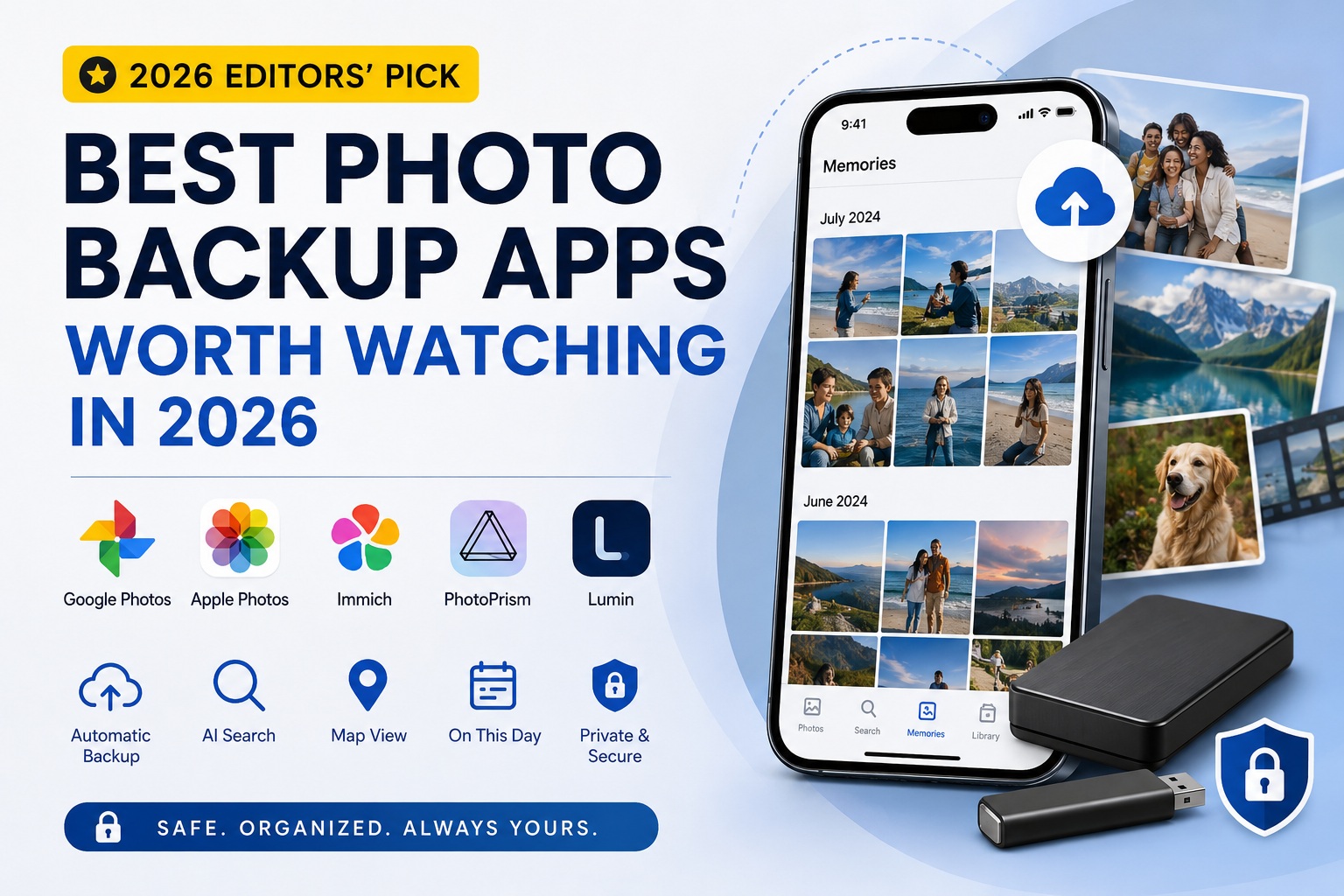
Today, most people have tens of thousands of photos stored on their phones.
Travel memories, family moments, gatherings with friends, and everyday snapshots all capture important parts of our lives.
However, there is one common problem:
We take more photos than ever before, but revisit them less and less.
Many photos remain untouched after being backed up to the cloud, a hard drive, or a mobile device, only resurfacing when storage space runs low.
In 2026, photo backup apps are no longer just about storage. The best solutions help users organize, rediscover, and relive their memories.
Here are some of the most notable photo backup applications available today.
1. Google Photos
Google Photos
Product Positioning
Google Photos remains one of the most widely used photo management services in the world.
Its core philosophy is simple:
Automatic Backup + AI-Powered Organization
Key Features
- Automatic cloud backup
- AI-powered photo search
- Face recognition
- Location-based organization
- Automatic memory generation
- Multi-device synchronization
For example, users can search for terms such as:
- Beach
- Cake
- Cat
- Sunset
and instantly find matching photos.
Strengths
- Industry-leading AI search capabilities
- Highly automated experience
- Excellent cross-device integration
- Minimal maintenance required
Limitations
- Relies on cloud storage
- Additional storage requires a subscription
- Data is stored on a third-party platform
Best For
Users who want the most convenient and hands-off experience.
2. Apple Photos
Apple Photos
Product Positioning
Apple Photos is the default photo management platform within the Apple ecosystem.
Its biggest advantage comes from deep integration across iPhone, iPad, and Mac devices.
Key Features
- Automatic photo synchronization
- Face recognition
- Map view
- Memories feature
- Family Sharing
The system can automatically identify trips, holidays, and important events, then generate memory videos.
Strengths
- Excellent experience for Apple users
- Clean and intuitive interface
- Mature memory features
- Strong privacy protection
Limitations
- Limited cross-platform support
- Relies on iCloud
- Additional storage requires a subscription
Best For
Users deeply invested in the Apple ecosystem.
3. Immich
Immich
Product Positioning
Immich has become one of the fastest-growing self-hosted photo management platforms in recent years.
Many users describe it as:
A Private Google Photos Alternative
Key Features
- Automatic backup
- Timeline browsing
- Map view
- Face recognition
- On This Day memories
- Self-hosted storage
Strengths
- Full ownership of your data
- Rich feature set
- No vendor lock-in
- Active open-source community
Limitations
- Requires technical setup
- Needs a server or NAS
- Ongoing maintenance is required
Best For
NAS owners and technology enthusiasts.
4. PhotoPrism
PhotoPrism
Product Positioning
PhotoPrism focuses more on photo organization and digital archiving.
Compared with Immich, it places greater emphasis on managing large photo collections.
Key Features
- AI-based tagging
- RAW photo support
- Map view
- Smart categorization
- Self-hosted deployment
Strengths
- Excellent photo asset management
- Professional format support
- Advanced tagging capabilities
Limitations
- Higher learning curve
- Mobile experience is less polished
- Memory and nostalgia features are relatively limited
Best For
Photography enthusiasts and professional users.
5. Lumin
Lumin
Product Positioning
Lumin is a photo backup and memory management application designed for everyday users.
Unlike many solutions that focus primarily on storage, Lumin focuses on the stories and experiences behind the photos.
Key Features
- Automatic backup of photos and videos
- Automatic event grouping
- Intelligent timeline
- On This Day memories
- Life journey insights and statistics
- Encrypted backup to USB drives and external storage devices
For example, photos and videos from a single trip can be automatically grouped into a complete event without requiring manual album creation.
Strengths
- Easy to use
- No NAS or server required
- Supports local storage
- Strong focus on memory organization and rediscovery
Limitations
- AI search is less advanced than Google Photos
- Smaller ecosystem and user base
Best For
Users who value privacy, enjoy documenting life, and want an effortless way to organize memories.
6. Feature Comparison
| Feature | Google Photos | Apple Photos | Immich | PhotoPrism | Lumin |
|---|---|---|---|---|---|
| Automatic Backup | ✓ | ✓ | ✓ | ✓ | ✓ |
| AI Search | ★★★★★ | ★★★★☆ | ★★★★☆ | ★★★★☆ | ★★★☆☆ |
| Timeline View | ✓ | ✓ | ✓ | ✓ | ✓ |
| On This Day Memories | ✓ | ✓ | ✓ | Partial | ✓ |
| Map View | ✓ | ✓ | ✓ | ✓ | ✓ |
| Automatic Event Grouping | ✓ | ✓ | Partial | Partial | ✓ |
| Local Storage Support | ✗ | Partial | ✓ | ✓ | ✓ |
| Deployment Complexity | Lowest | Lowest | High | High | Lowest |
7. Which One Should You Choose?
If your priority is:
The best AI experience and maximum convenience
Google Photos remains one of the strongest options available.
If you primarily use:
iPhone, iPad, and Mac
Apple Photos is often the most natural choice.
If you already own:
A NAS or home server
Immich and PhotoPrism are both excellent self-hosted solutions.
If you prefer:
Automatic backup, intelligent memory organization, and keeping your data under your own control
Lumin offers a compelling balance between convenience, privacy, and memory-focused experiences.
Final Thoughts
The future of photo management is no longer just about storing files.
The most valuable photo applications help us rediscover forgotten moments, reconnect with important memories, and preserve the stories that matter most.
Whether you choose a cloud-first platform such as Google Photos, a self-hosted solution like Immich, or a memory-focused application such as Lumin, the ultimate goal remains the same:
To make sure the moments worth remembering are never lost.