In recent years, a noticeable trend has emerged:
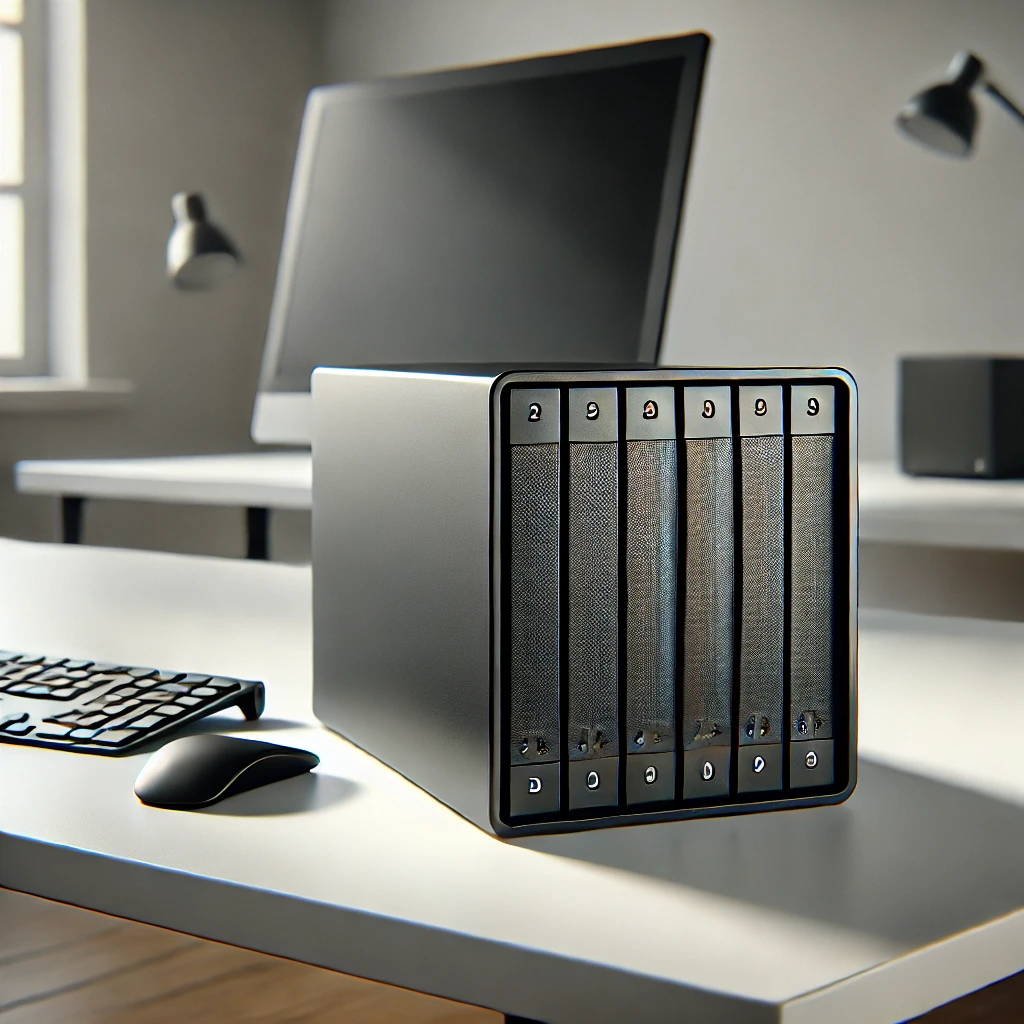
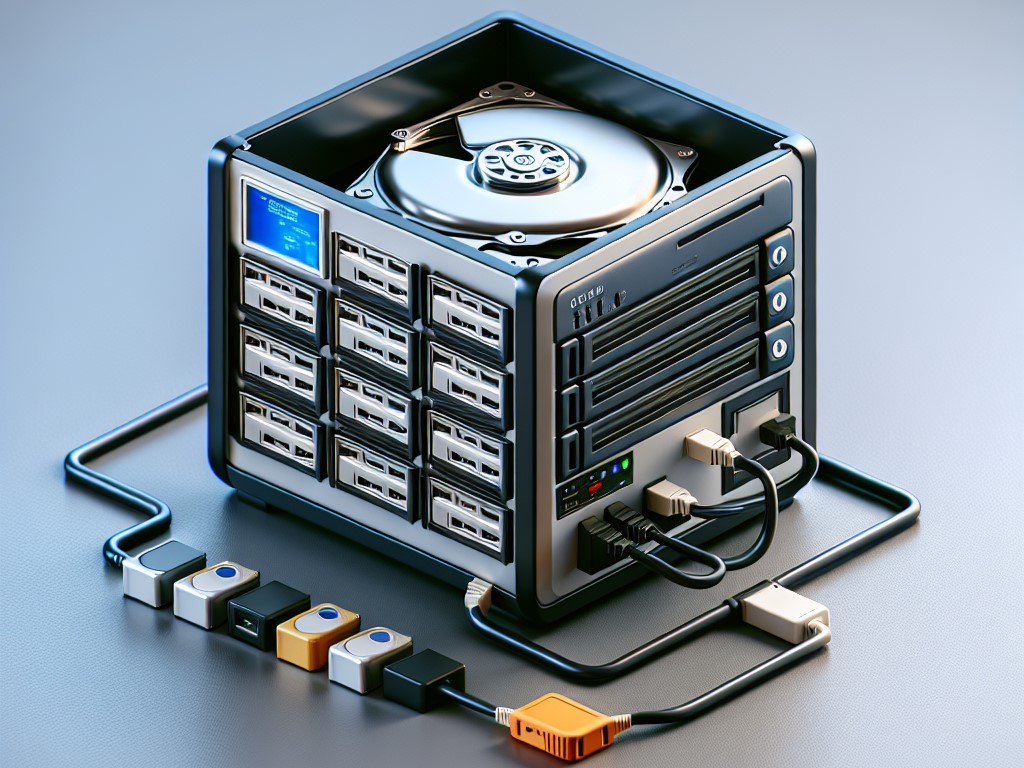
more and more people are starting to build their own NAS (Network Attached Storage) systems, often referred to as a home private cloud.
In the past, when people needed to store data, their first choice was usually:
-
Online drives
-
Cloud storage
-
Public cloud services
But now, many users are asking a new question:
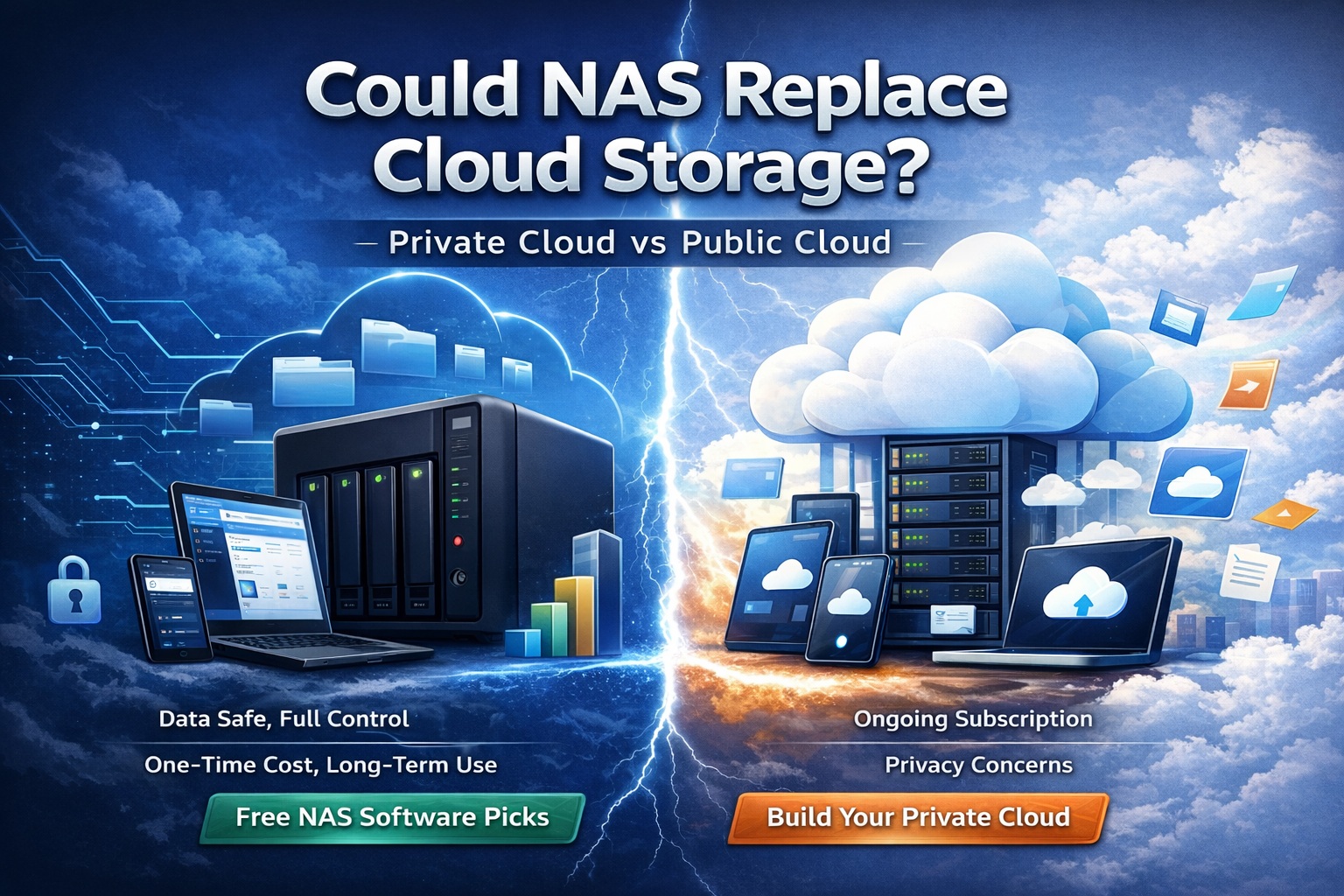
Will NAS eventually replace cloud storage?
The answer is quite interesting.
NAS may not completely replace cloud storage, but it is increasingly becoming a personal data center for many users.
1. Why More People Are Using NAS
Over the past few years, personal data volumes have grown dramatically.
Every day we generate large amounts of data such as:
-
Smartphone photos
-
Video footage
-
Work documents
-
Design projects
-
Backup files
When all of this data is stored in cloud drives, several issues start to appear.
1. Rising Storage Costs
Most cloud storage services operate on a subscription model:
-
200GB
-
1TB
-
2TB
The more storage you need, the higher the monthly cost.
And these fees continue indefinitely.
By comparison, a NAS system usually requires a one-time hardware investment, after which it can be used for many years.
2. Data Privacy Concerns
Many users have begun to worry about issues such as:
-
Data scanning
-
Account restrictions or bans
-
Potential data leaks
In public cloud environments, data is stored on third-party servers.
With NAS, however, the key advantage is clear:
Your data is stored on devices you control.
3. Cross-Device Access
Today, most users own multiple devices:
-
Smartphones
-
Tablets
-
Laptops
-
Desktop computers
A NAS system can serve as a central data hub, allowing all devices to access the same storage space.
2. Will NAS Really Replace Cloud Storage?
From a technical perspective, the answer is:
NAS will not completely replace cloud storage.
The reason is simple—these two solutions serve different purposes.
| Comparison | NAS | Cloud Storage |
|---|---|---|
| Data Location | Local devices | Cloud servers |
| Cost | One-time investment | Ongoing subscription |
| Access | Local network / remote access | Global access |
| Data Control | User-controlled | Platform-controlled |
In simple terms:
-
Cloud storage is more convenient
-
NAS provides more control and freedom
The future will likely be a hybrid approach.
Many users already adopt this model:
-
Important data → NAS
-
Shared files → Cloud storage
3. NAS Is Becoming a Personal Data Center
The role of NAS is evolving.
In the past, NAS was mainly seen as a:
Network hard drive
Today, it is increasingly viewed as a:
Personal data center
A NAS device can typically provide features such as:
-
File sharing
-
Data backup
-
Media streaming server
-
Remote access
-
Multi-device synchronization
Many households now use NAS as a:
-
Photo library
-
Video archive
-
File server
4. Start With Free NAS Software
Many people assume that building a NAS requires expensive hardware.
In reality, that is not always the case.
With an old computer or a small mini-PC, plus NAS software, you can build your own NAS system.
Here are several popular free NAS solutions.
1. A NAS System for Home Users
OpenMediaVault is one of the most popular open-source NAS systems.
Key features include:
-
Based on Debian Linux
-
Web-based management interface
-
Rich plugin ecosystem
-
Supports SMB / NFS / FTP protocols
It is well suited for:
-
Home NAS setups
-
Small servers
-
Raspberry Pi NAS projects
Its main advantage is:
Easy installation and simple management.
2. The Most Powerful NAS System
TrueNAS is one of the most well-known NAS operating systems.
Its core strength lies in the ZFS file system.
ZFS provides:
-
Data integrity verification
-
Snapshots
-
RAID protection
-
High reliability
TrueNAS is ideal for:
-
Advanced users
-
Environments requiring strong data protection
-
Enterprise-level storage
However, it has a drawback:
It requires stronger hardware and has a steeper learning curve.
3. A Lightweight NAS Solution
Mobilink is a lightweight NAS solution designed for simplicity.
Key features include:
-
Extremely low resource usage
-
Zero-configuration setup with built-in network traversal
-
Remote access support
-
Strong hardware compatibility
-
Encrypted file storage
It is particularly suitable for:
Turning an old computer into a NAS system.
If you have an unused machine at home, this option can be very practical.
4. A Simple NAS Platform
Amahi is designed primarily for home users.
Its main features include:
-
Easy installation
-
Built-in app store
-
Media streaming capabilities
Many users choose Amahi to build a home media center.
5. Who Should Use NAS?
NAS is not necessary for everyone.
However, it becomes very valuable if you:
-
Have a growing amount of data
-
Want to avoid long-term cloud storage fees
-
Prefer to control your own data
-
Need access across multiple devices
Typical NAS users include:
-
Photographers
-
Content creators
-
Technical professionals
-
Small teams
6. The Future of Data Storage
Looking ahead, data storage will likely evolve into three complementary models.
Public Cloud
Best for:
-
File sharing
-
Online collaboration
NAS Private Cloud
Best for:
-
Data storage
-
Data backup
-
Personal data centers
Local Devices
Best for:
-
Temporary files
-
Portable storage
These three models will coexist rather than replace one another.
Conclusion
NAS will not completely replace cloud storage.
But more and more users are realizing something important:
Entrusting all data to cloud platforms is not the only option.
As NAS software continues to mature, the barrier to building a private cloud is becoming much lower.
In the future, many homes may have their own:
personal data center.
And NAS is a key step toward that future.