Cloud storage has become the default solution for file sharing and backups. It’s convenient, widely available, and deeply integrated into modern operating systems.
But convenience often hides trade-offs — especially around privacy, control, and long-term reliability.
This guide explores an alternative approach: local-first file sharing and private storage.
Instead of pushing everything to the cloud, local-first systems prioritize data staying on your own devices, only syncing or sharing when explicitly needed.
What Does “Local-first” Actually Mean?
Local-first is not simply “offline mode.”
A local-first system follows three core principles:
-
Data is created and stored locally by default
-
Network access is optional, not mandatory
-
Synchronization is explicit and intentional
In practice, this means:
-
Files exist on your device first
-
Sharing happens directly between devices
-
The cloud is optional — not a dependency
This design contrasts sharply with cloud-first models, where data must leave your device before it becomes usable elsewhere.
Why Cloud-first File Sharing Creates Real Risks
Cloud services solve many problems, but they also introduce risks that are often underestimated.
1. Privacy and Data Inspection
Most cloud platforms reserve the right to:
-
Scan files for policy enforcement
-
Analyze metadata
-
Suspend or restrict accounts automatically
Even encrypted services usually control key distribution or metadata layers.
2. Loss of Control
With cloud storage:
-
Access can be revoked
-
Files can be deleted or locked
-
Services can change terms or pricing
Your data becomes subject to external policies.
3. Unnecessary Complexity
For many users, cloud sync introduces:
-
Conflicts
-
Version confusion
-
Background processes they don’t control
Local-first approaches eliminate entire categories of these problems.
Local-first vs Traditional NAS Solutions
Some users turn to NAS systems to regain control, but NAS setups often introduce their own challenges.
| Aspect | Traditional NAS | Local-first Approach |
|---|---|---|
| Setup complexity | High | Low |
| VM / Docker required | Often | Not required |
| Maintenance | Ongoing | Minimal |
| Network dependency | Centralized | Peer-to-peer |
| Data ownership | Local | Fully local |
Local-first systems aim to remove infrastructure overhead, not add more.
How Local-first File Sharing Works
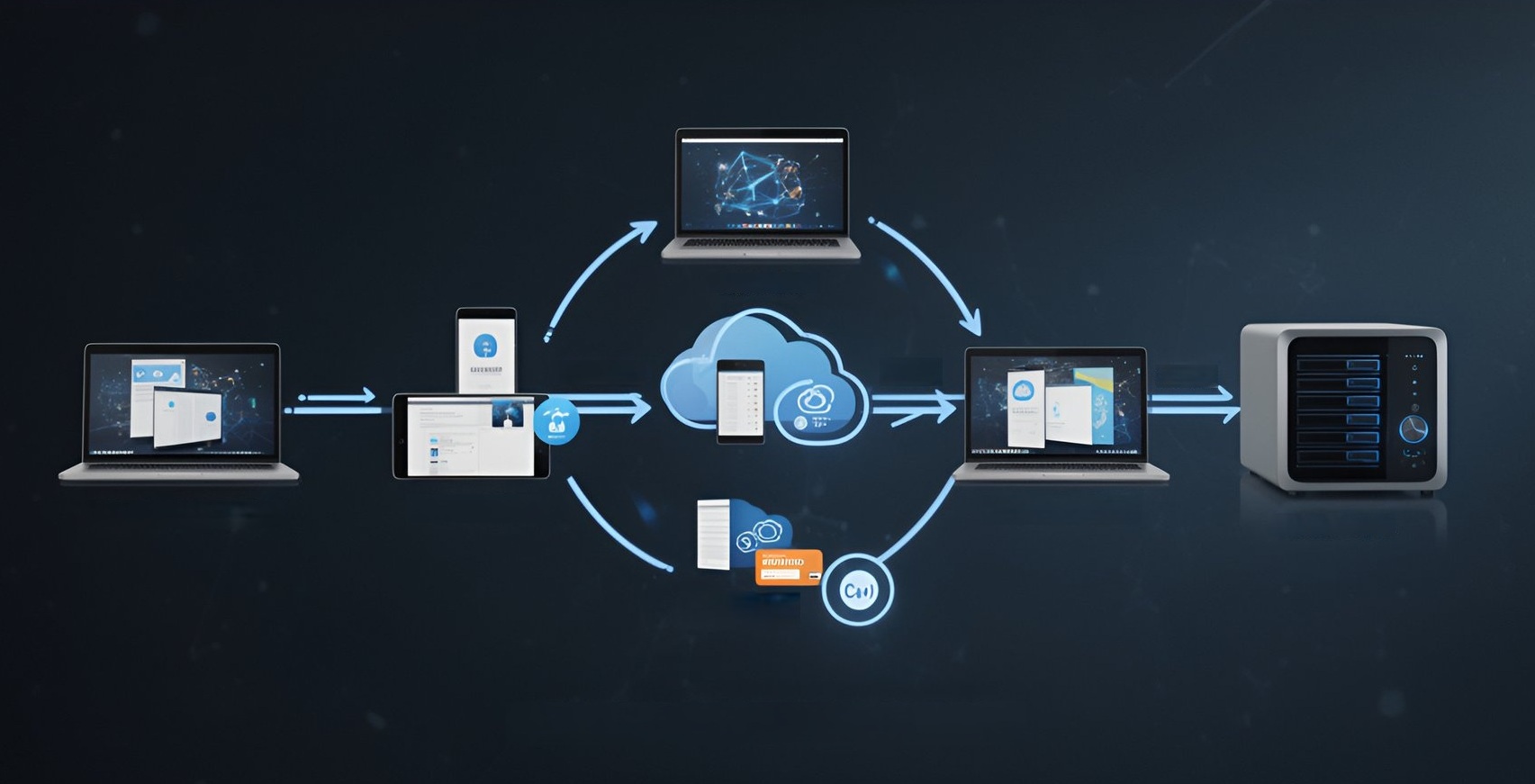
At a technical level, local-first file sharing typically relies on:
-
Peer-to-peer connections
-
Temporary or explicit trust relationships
-
End-to-end encryption
-
Direct device discovery (LAN or tunneled)
Instead of uploading files to a third-party server, devices communicate directly.
This reduces latency, removes third-party exposure, and improves transparency.
Common Local-first Use Cases
Local-first file sharing is especially effective for:
-
Sharing large files without cloud upload limits
-
Transferring sensitive documents
-
Collaborating within small teams
-
Building personal or family private storage
-
Temporary data exchange without permanent sync
These scenarios don’t require global availability — they require control and simplicity.
macOS and Local-first Storage
macOS provides a strong foundation for local-first designs:
-
Native file system performance
-
Strong sandboxing and permission models
-
Reliable background services
-
Built-in cryptographic frameworks
When tools are built natively for macOS (without virtual machines or heavy containers), they integrate more cleanly and behave more predictably.
Implementing a Local-first Workflow
A practical local-first setup usually includes:
-
Files stored locally on trusted devices
-
Explicit peer-to-peer sharing when needed
-
Optional encrypted tunnels for remote access
-
Clear connection lifecycle (temporary or persistent)
The key idea is intentional sharing, not automatic synchronization.
When Cloud Still Makes Sense
Local-first is not anti-cloud.
Cloud storage remains useful for:
-
Public distribution
-
Disaster recovery backups
-
Cross-region availability
The difference is choice.
In a local-first model, cloud services are tools — not gatekeepers.
Final Thoughts
Local-first file sharing and private storage represent a shift in mindset:
-
From convenience-first to control-first
-
From automatic sync to intentional sharing
-
From centralized services to peer-based trust
For users who value privacy, transparency, and long-term control, local-first designs offer a practical and increasingly relevant alternative.