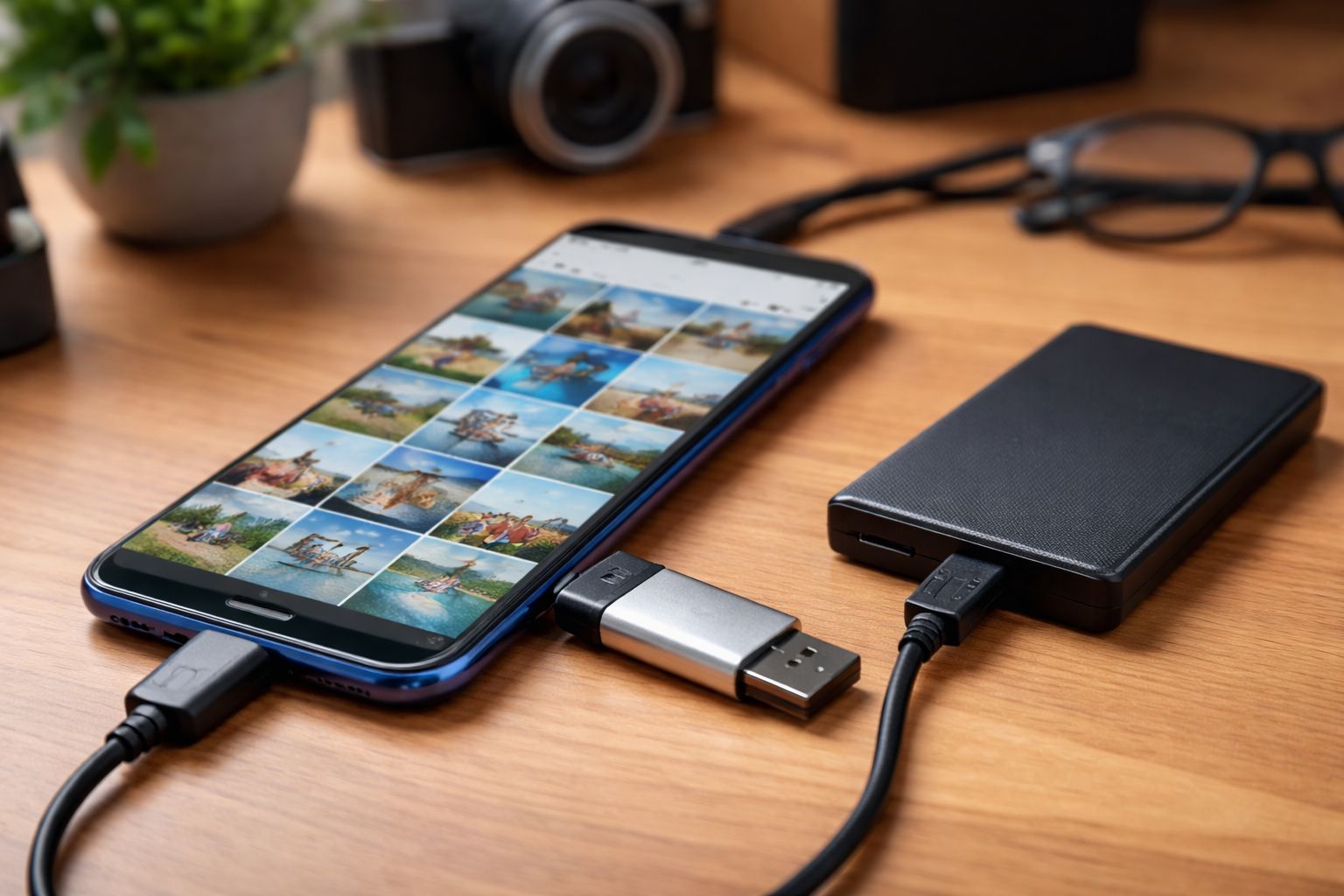
Cloud photo backup is everywhere.
Your phone automatically uploads photos to online albums, keeping everything synced.
It’s convenient—but not everyone is comfortable with it.
So the question is:
What is the best way to back up photos without using the cloud?
If you care about privacy and control, there are better solutions.
1. Why Avoid Cloud Photo Backup?
Cloud services offer convenience, but they also come with trade-offs:
- Photos are stored on third-party servers
- Access depends on account security
- Files may be scanned or analyzed
Even if secure, it’s not fully private
2. What Makes a Good Photo Backup Solution?
A reliable backup method should be:
- Private (no third-party access)
- Secure (protected against loss or theft)
- Easy to use
- Accessible anytime
This leads to one clear answer:
3. The Best Option: Local Backup to USB Storage
The most effective method is:
Backing up photos to a USB drive
Why?
- No internet required
- No cloud dependency
- Full control over your files
With modern smartphones, you can:
- Connect a USB drive directly (via OTG)
- Transfer photos instantly
- Store them offline
Simple and efficient
4. But Storage Alone Is Not Enough
Here’s a common mistake:
“If my photos are on a USB drive, they’re safe”
Not necessarily.
If your USB drive is lost:
- Anyone can access your photos
- Your privacy is exposed
That’s why security matters
5. Use Encryption to Protect Your Photos
The best solution combines:
Local storage + encryption
This ensures:
- Photos cannot be viewed without permission
- Data remains protected even if the device is lost
6. File-Level Encryption: The Safest Approach
For maximum protection, use:
File-level encryption (one file, one key)
This means:
- Each photo is encrypted individually
- No single password unlocks everything
Benefits:
- No full data exposure
- Better privacy protection
- Stronger security overall
7. Backup Photos Without Internet
Another advantage:
No internet needed
You can:
- Back up photos anywhere
- Avoid slow uploads
- Save mobile data
8. Local Backup vs Cloud Backup
| Feature | Cloud Backup | Local USB Backup |
|---|---|---|
| Privacy | Platform-dependent | Fully private |
| Internet Required | Yes | No |
| Control | Limited | Full |
| Risk | Account-based | Device-based |
Local backup gives you full ownership
10. When Should You Use This?
This method is ideal for:
- Personal photos and memories
- Travel backups (no internet)
- Privacy-conscious users
- Large photo collections
11. Final Thoughts
Cloud backup is convenient—but not always ideal.
If you want:
- Privacy
- Control
- Security
Then:
USB-based encrypted backup is the best way to store photos without cloud