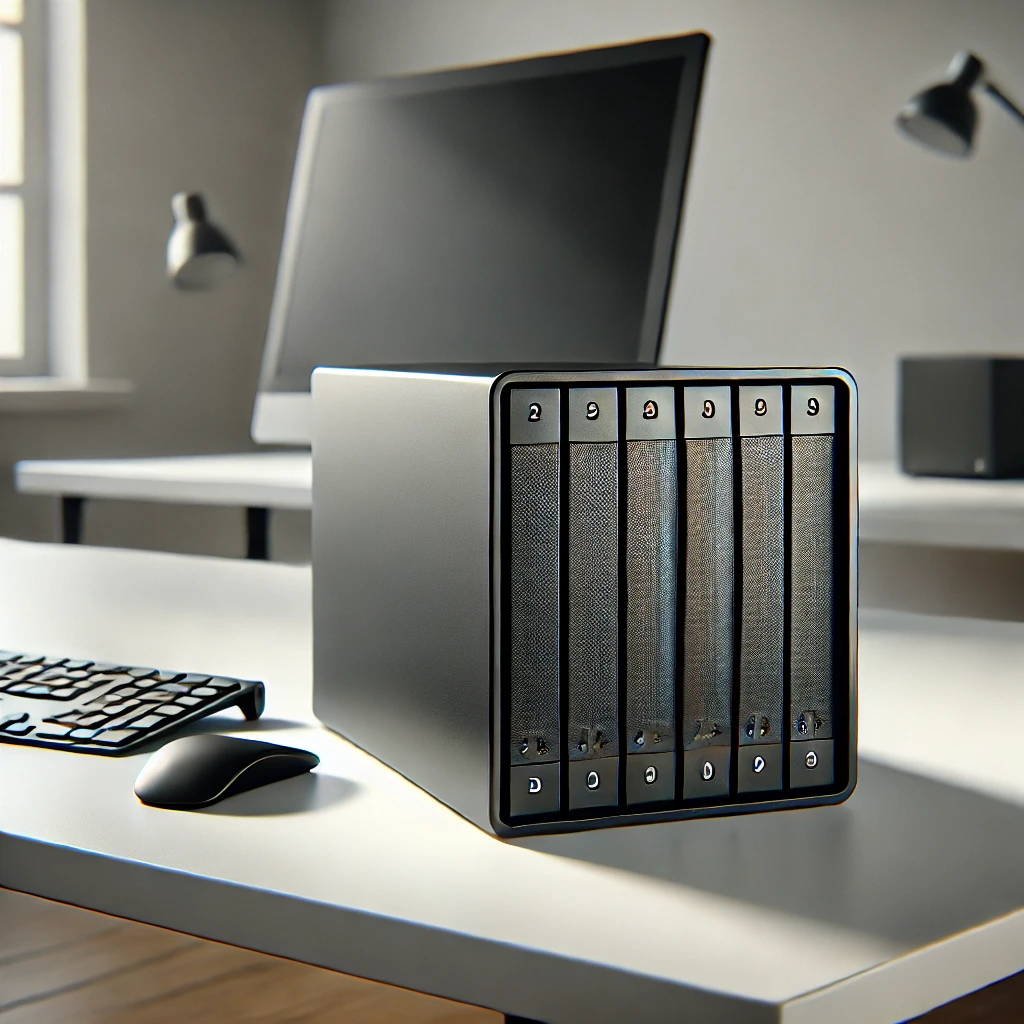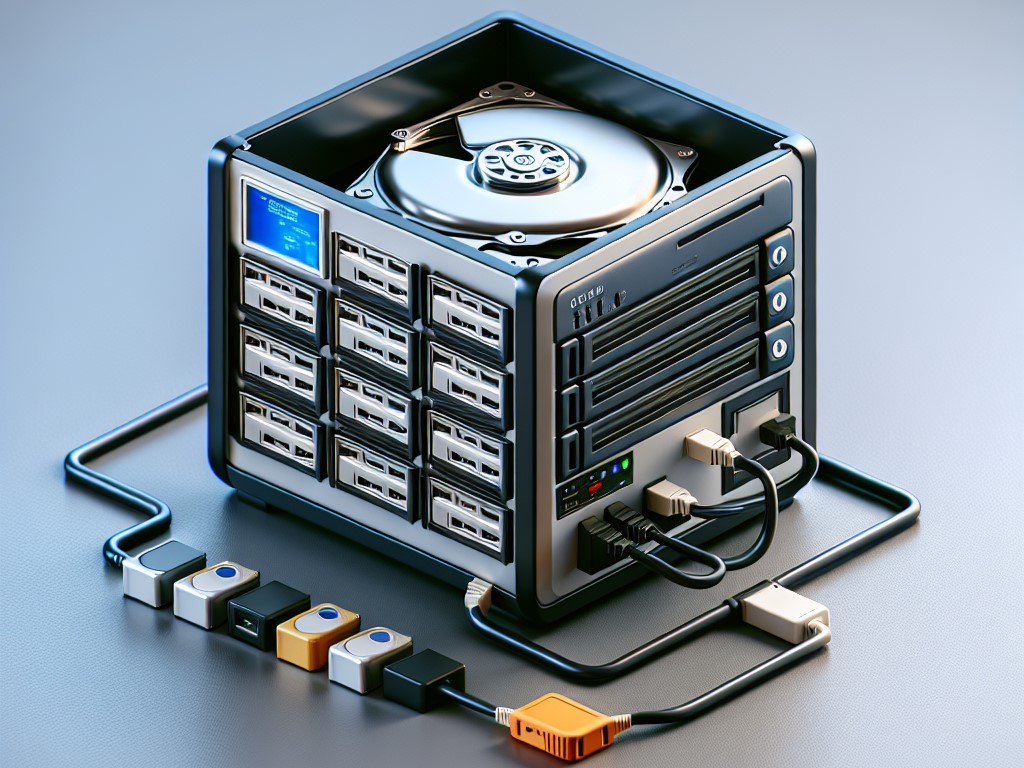
As personal data continues to grow, more people are looking for better ways to store and manage their files. Photos, videos, documents, backups, and creative projects quickly fill up laptops and external drives.
Instead of relying entirely on public cloud services, many users are now building their own home NAS (Network Attached Storage) systems.
The best part?
You don’t need expensive hardware.
With the right NAS software, even an old PC can become a powerful home server or private cloud.
In this guide, we’ll explore 7 of the best NAS operating systems and NAS solutions you can install on an old computer, helping you build a reliable storage server at home.
Why Turn an Old PC into a NAS?
Before choosing NAS software, it's important to understand why building a home NAS server is becoming increasingly popular.
1. Save Money on Cloud Storage
Most cloud storage platforms charge monthly subscription fees.
Typical plans include:
-
200GB
-
1TB
-
2TB
Over time, these subscriptions can become expensive. A NAS allows you to pay once for hardware and store data locally.
2. Full Control of Your Data
When using cloud storage, your files are stored on third-party servers.
With a NAS:
-
your data stays on your own device
-
you control access permissions
-
privacy risks are reduced
This is one of the main reasons many users prefer private cloud storage.
3. Central Storage for All Devices
Most people today use multiple devices:
-
smartphones
-
laptops
-
tablets
-
desktop computers
A NAS acts as a centralized data hub, allowing all devices to access the same storage.
Top 7 NAS Operating Systems for Old PCs
Here are some of the best NAS software options available today, ranging from beginner-friendly solutions to enterprise-grade storage platforms.
1. OpenMediaVault
OpenMediaVault is one of the most popular open-source NAS operating systems available today.
Built on Debian Linux, it offers a simple web-based management interface and a powerful plugin ecosystem.
Key Features
-
Web-based management dashboard
-
Plugin system for extended features
-
Support for SMB / NFS / FTP / Rsync
-
Lightweight performance
Best For
-
beginners building their first NAS
-
home servers
-
Raspberry Pi NAS projects
OpenMediaVault is widely considered one of the easiest NAS systems to install on an old PC.
2. TrueNAS Core
TrueNAS Core is one of the most powerful NAS operating systems in the world.
It uses the advanced ZFS file system, which provides enterprise-level storage reliability.
Key Features
-
ZFS data integrity protection
-
snapshots and replication
-
RAID support
-
virtualization and containers
Best For
-
advanced users
-
large data storage environments
-
users who prioritize data integrity
TrueNAS is extremely powerful, but it typically requires more RAM and stronger hardware.
3. Amahi
Amahi is designed specifically for home users who want a simple NAS experience.
It focuses on usability and offers an app store that allows users to easily install additional services.
Key Features
-
easy installation
-
built-in application marketplace
-
media server support
-
remote access features
Best For
-
family media libraries
-
home file servers
-
beginners building their first NAS
4. XigmaNAS
XigmaNAS is a lightweight NAS operating system known for excellent hardware compatibility.
It originated from the NAS4Free project and can run on very modest hardware.
Key Features
-
ZFS support
-
lightweight system requirements
-
strong hardware compatibility
-
web-based management
Best For
-
very old desktop computers
-
low-power NAS setups
-
DIY storage servers
5. Rockstor
Rockstor is a modern NAS platform built on Linux and powered by the Btrfs file system.
It focuses on flexibility and supports containerized applications.
Key Features
-
Btrfs snapshots
-
Docker container support
-
flexible storage management
-
modern web interface
Best For
-
developers
-
advanced home servers
-
users who want flexible services on their NAS
6. Unraid
Unraid is one of the most popular home lab NAS systems.
It is widely used by enthusiasts for building powerful home servers that combine storage, virtualization, and media streaming.
Key Features
-
flexible disk management
-
Docker containers
-
virtual machine support
-
strong community ecosystem
Best For
-
home labs
-
media servers
-
power users
Although Unraid is not fully free, many users still prefer it for its flexibility.
7. Mobilink – The Simplest NAS Alternative
Most NAS systems require installing a dedicated NAS operating system.
That usually means:
-
wiping your computer
-
installing a new system
-
learning server configuration
Mobilink takes a different approach. Instead of installing a new NAS system, users can transform an existing computer into a private cloud in minutes.
Key Advantages
Runs on existing operating systems
Unlike traditional NAS operating systems, Mobilink works directly on Windows and macOS, allowing you to turn a regular computer into a home NAS or private cloud without reinstalling the system.
Instant private cloud
Install the software and your computer instantly becomes a personal data hub, enabling file storage and sharing across your devices with minimal setup.
Built-in remote access
Most NAS servers require port forwarding, router configuration, or a static IP.
Mobilink provides secure remote access without complex networking setup, making it much easier for beginners to manage a home NAS.
Secure encrypted storage
Mobilink also supports encrypted file storage, improving privacy protection for personal files.
Best For
Mobilink is ideal for users who want:
-
the easiest NAS setup
-
a private cloud without installing a NAS OS
-
cross-platform file access
-
a lightweight solution for old computers
Which NAS Software Is Best?
Here’s a quick comparison.
| NAS Software | Best For |
|---|---|
| OpenMediaVault | beginners |
| TrueNAS Core | enterprise-level storage |
| Amahi | simple home servers |
| XigmaNAS | very old hardware |
| Rockstor | flexible NAS services |
| Unraid | home labs |
| Mobilink | easiest private cloud setup |
If you're new to NAS, OpenMediaVault or Mobilink are often the easiest starting points.
Frequently Asked Questions
Can an old PC really run a NAS?
Yes. Even a 10-year-old desktop can work well as a NAS server if it has enough storage drives.
Many NAS operating systems are optimized for low hardware requirements.
How much RAM does a NAS need?
Basic home NAS systems typically work with:
-
2GB to 4GB RAM
More advanced systems like TrueNAS may require 8GB or more.
Is NAS better than cloud storage?
They serve different purposes.
Cloud storage is convenient for collaboration and sharing, while NAS offers better privacy and long-term cost savings.
Many users today adopt a hybrid approach:
-
NAS for backups and personal data
-
cloud storage for sharing and collaboration
Final Thoughts
Building a NAS is one of the best ways to reuse an old computer while gaining full control over your data.
With modern NAS software, a simple desktop can become:
-
a private cloud
-
a backup server
-
a media center
-
a personal data hub
Whether you choose a full NAS operating system like OpenMediaVault or TrueNAS, or a lightweight solution like Mobilink, turning an old PC into a NAS is easier than ever.
And once your NAS is running, you may find that your old computer becomes the most useful device in your home network.